On this page
Version information
| Current translate5 version | 7.47.3 |
|---|---|
| Changelogs documented up to version | 7.25.1 |
The translate5 documentation is updated continuously. This page shows which translate5 version the documentation covers, and how you find the version of your own translate5 system.
Confluence versioning
Each documentation page shows versioning information at the top right:
What the versioning block shows
- The latest version of translate5.
- The translate5 version up to which the system updates are documented.
- The change history of the page.
- The link “Go to page history”: it opens an overview of all previous versions of the page. Click a version number in the column “Version” to view the page in this version.
The column “Comment” in the page history usually indicates which parts of the page were changed.

Current version of your translate5 system
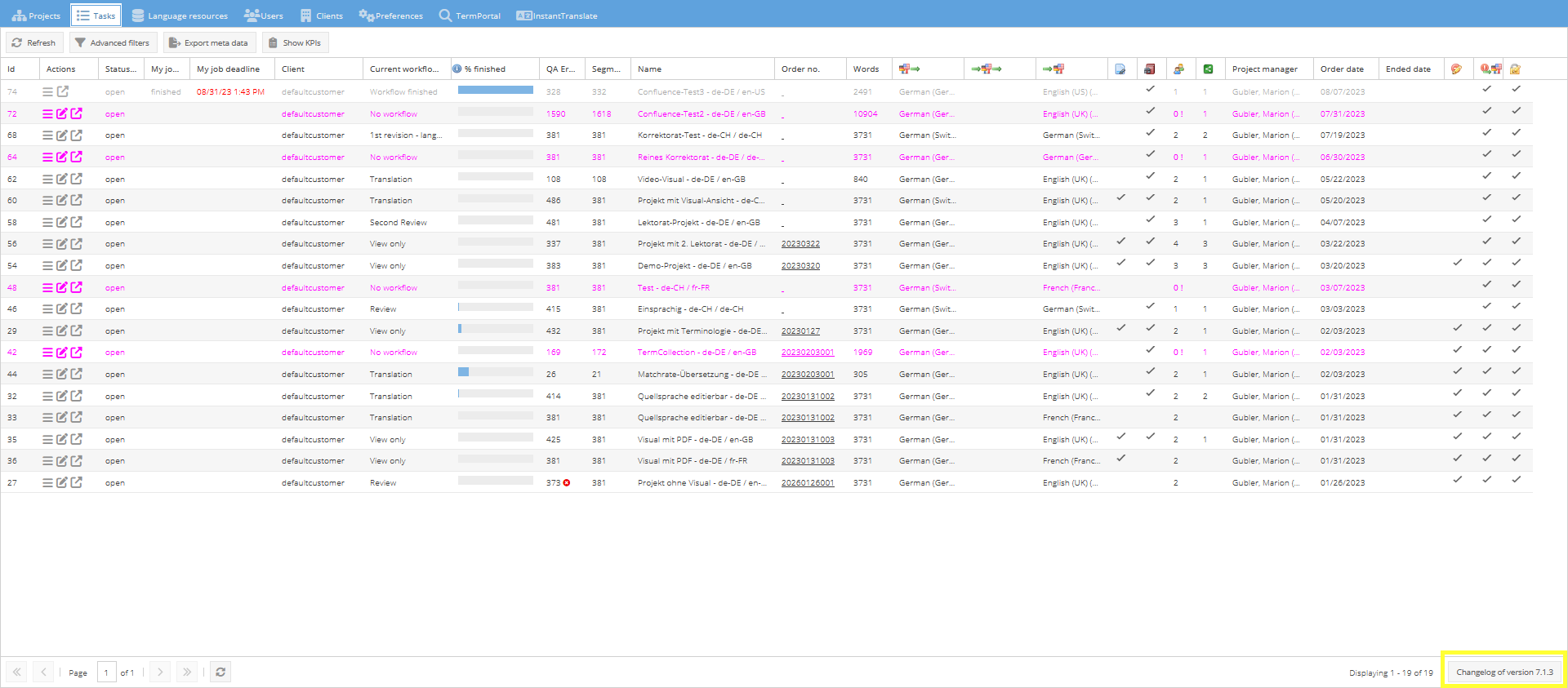
Find the version of your system
- Open the task overview.
- Look at the bottom right of the page. It shows the version number of your translate5 system and a link to the corresponding change log.
Recently updated pages
Recently updated